Microsoft Surface Laptop
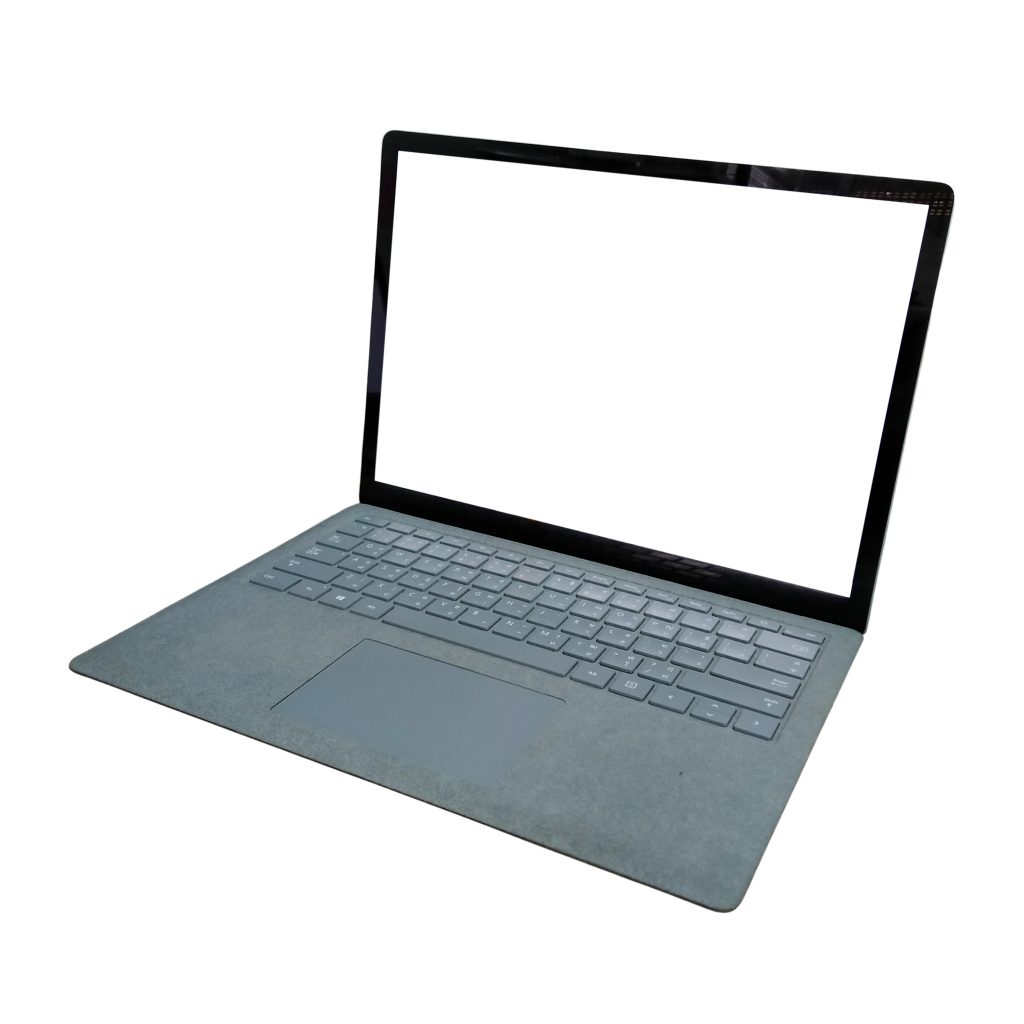
Product Description
Surface Laptop (7th Edition)
A refined, premium notebook combining sleek design, high-performance components, long battery life, and built-in AI features. It’s available in two display sizes (13.8″ and 15″), supports a 3:2 aspect ratio touchscreen, and packs next-gen processors with advanced NPUs to accelerate AI workloads.
Highlights include:
Ultra-thin bezels, premium aluminum alloy build with significant recycled materials.
Touch-enabled high resolution display, with 120 Hz refresh rate on some models.
Designed for portability and productivity—lightweight, optimized for multitasking and modern workflows.
Built-in security features including chip-to-cloud protection, Windows Hello sign-in, and advanced hardware-software integration.
Excellent battery claims: for example up to ~20 hours on the 13.8″ model and up to ~22 hours on the 15″ model in Microsoft’s testing.
Key Specifications
Here are some of the major specs (for the 7th Edition) — note actual configuration will vary by size, region, and options chosen.
| Feature | Specification |
|---|---|
| Display Sizes | 13.8″ and 15″ options. |
| Display Resolution & Ratio | 13.8″: 2304 × 1536 pixels (≈201 ppi), 3:2 aspect ratio. 15″: 2496 × 1664 pixels (≈201 ppi). |
| Refresh Rate | Up to 120 Hz on compatible models. |
| Processors | Qualcomm Snapdragon X Plus or Snapdragon X Elite (depending on size/configuration) with integrated NPU. |
| Memory (RAM) | Options up to 64 GB LPDDR5x in some models. |
| Storage | Removable SSDs, up to 1 TB in many configurations. |
| Graphics | Integrated Adreno GPU (on Snapdragon models) with support for modern workloads. |
| Weight | For reference: The 15″ version approx 1.45 kg in reviews. |
| Ports | Typical: 2× USB-C, 1× USB-A (some models) plus Surface Connect port depending on configuration. |
| Battery Life (estimated) | Up to ~20 hours for 13.8″ model, ~22 hours for 15″ model in Microsoft’s ideal testing. |
| Connectivity | Wi-Fi 7 (802.11be) support in some models, Bluetooth, etc. |
| Security Features | Biometric (Windows Hello), TPM 2.0 support, hardware security built-in. |
| Build & Materials | Enclosure uses recycled aluminum alloy, eco-friendly design considerations. |
Use-Case & Why It’s Good
Portability + Power: With thin, light designs and high-res displays, it’s suitable for mobile professionals, students, and creatives.
Multitasking & Productivity: The 3:2 aspect ratio gives extra vertical space, which is great for document editing, spreadsheets, coding, and multitasking.
Modern Features: The high refresh displays, advanced NPUs, AI features, and premium build mean it’s future-oriented.
Quality Build: Premium materials, solid security, and strong support from Microsoft ecosystem.
Battery Life: If the real-world battery lives approach those quoted, you’re good for full work-day use without plugging in (depending on workload).
Things to Keep in Mind
Price: Premium features often mean a premium price.
Upgradability: While the SSD is removable in some models, many components (RAM, etc) may be fixed/integrated. It’s wise to buy the configuration you’ll need long-term.
Configuration Variability: Performance, ports and features differ depending on the size (13.8″ vs 15″) and the specific CPU/variant chosen. Make sure to check the exact SKU.
Real-world Battery vs. Claimed: As always, manufacturer “up to” hours are measured under ideal conditions. Real use (streaming, heavy multitasking, high brightness) will reduce it.
Ports & Legacy Support: Some modern ultrabooks slim down ports. If you rely on many legacy ports/adapters, check the ports on your chosen config.